An offline currency converter that tells you how old its rates are.
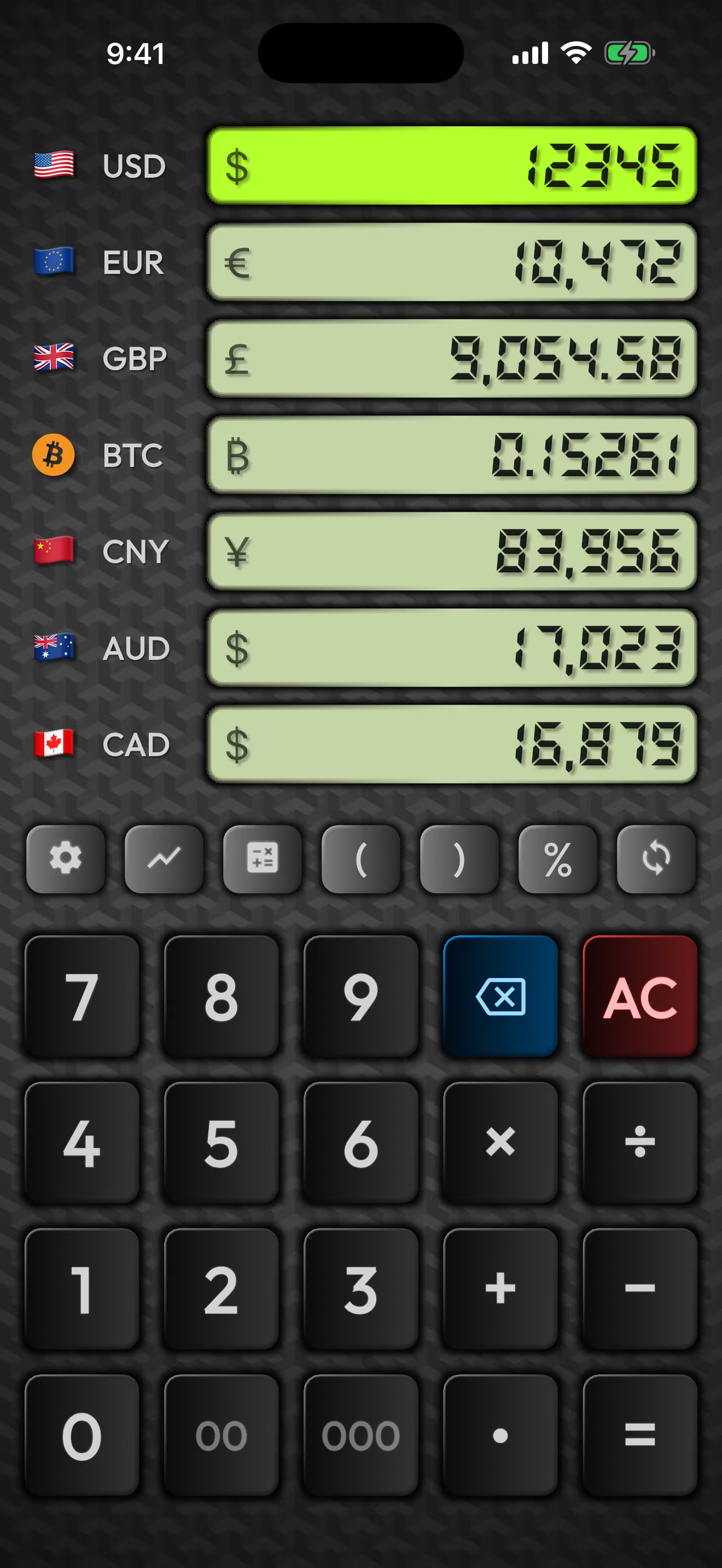
Your last synced rates stay on the phone, so the whole board keeps converting on a plane, in a tunnel, or on a SIM you have not activated yet. The sync line on screen says how long ago that was, so you know what you are deciding with.


What usually happens when the signal drops
Converters fail offline in two ways, and the tidier-looking one is the worse one.
Some show a spinner, an error, or an empty field. That is annoying, but it is honest: you know immediately that you are on your own.
Others show you a number. It looks exactly like a current rate, because nothing on the screen says otherwise. You do the conversion, you agree a price, and you never find out the figure was fetched four days ago in a different airport.
What this one does instead
- The rates stay on the device. Every successful sync is written to local storage and reloaded the next time you open the app. No connection is needed to read them back.
- The whole board still converts. Type an amount into any row and the other currencies answer, the same as they do online. It is arithmetic against numbers the phone already has.
- The calculator still works. Parentheses, percentages and full expressions run inside the row. That is local math, so a dead connection has nothing to do with it.
- The age of the rate is on screen. The sync line reads "Just now", "3 hours ago", "Yesterday". Once it passes 24 hours it turns orange and reads outdated. You never have to guess whether the number in front of you is fresh.

(50+30)+18% running inside the EUR row.
Parentheses and percentages are computed on the device, so this behaves
the same with the radio off.Where it stops, stated plainly
An offline converter that oversells itself is worse than one that doesn't exist, so here is the shape of the thing.
- It needs one connection first. A fresh install opened in airplane mode has nothing to work from and says "Never synced". There is no bundled rate table, because a set of rates baked in at build time would be months old by the time you installed it. Open the app once on wifi before you fly.
- Offline rates are last-known, not current. Good enough for a menu, a taxi, or a market stall. Not the basis for timing a transfer. The orange marker exists to keep that distinction in front of you rather than buried in a settings screen.
- Charts need history the app has not cached yet. Ranges you have already looked at stay available. A range you have never opened needs a connection the first time.
Before you fly
- Open the app on wifi and wait for the sync line to read "Just now". That is the whole preparation.
- Add the currency you are flying to, so the row is already on the board when you land rather than something you set up on airport wifi.
- Glance at the sync line when you arrive. Orange means the number is over a day old and worth refreshing before anything expensive.
Questions people actually ask
- Does it work in airplane mode?
- Yes, as long as it has synced at least once before. The rates from the last sync are stored on the device, so every row keeps converting with the radio off.
- What rate does it use when there is no connection?
- The last one it downloaded. The app shows how long ago that was on the main screen, and marks it outdated once it passes 24 hours, so the age of the number is never hidden from you.
- Does it work on a brand-new install with no internet?
- No. It needs one connection to fetch an initial set of rates. Until then it reads "Never synced". Open it once on wifi before you travel and it is primed.
- Do I need an account?
- No. There is no sign-up, no login, and no analytics. The app sends out a request for exchange rates, and a support message if you choose to write one.
- Is offline a paid feature?
- No. Offline conversion is in the free tier, along with three currency slots and the full catalog of world currencies and precious metals.
Works offline on the free tier.
Three currency slots, the full catalog of world currencies and precious metals, no ads, no account. Pro is a one-time purchase, not a subscription, and adds up to twenty slots, crypto, charts, home-screen widgets and travel mode.